Best 3D Printers: Review and Recommendations
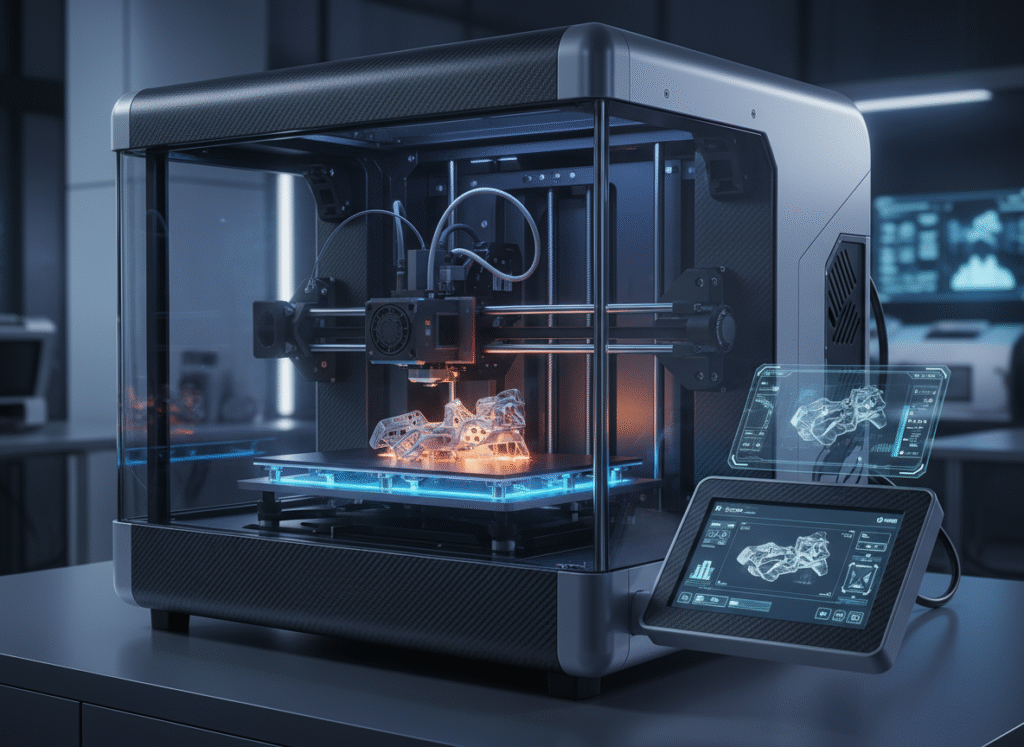
Welcome to the world of 3D printing. This technology is no longer just a prototype hidden in enthusiasts’ garages or R&D labs. Additive manufacturing (AM) has become an integral part of mainstream manufacturing and a standard production tool.
The global 3D printing market is expected to rise to $16.16 billion in 2026 and reach $35.79 billion by 2030.
Why “Top 10 3D Printer” Lists Are Now Meaningless
As a technology writer, I know everyone wants a clear “Top 10” list. However, a rigorous analysis of the market shows why this approach is invalid. The market is not a place where there is one single best printer; it has a fragmented structure where different user profiles (Speed, Material Compatibility, Multi-Color) have completely different priorities.
Therefore, instead of offering you a “Top 10” list, this guide will divide the market into three main segments and help users in each segment find the model that best suits their specific needs.
- Hobby (Entry-Level): Focus: Ease of use, speed, and price.
- Prosumer (Advanced Hobby / Small Business): Focus: Large print volume, true multi-material, and high-performance materials.
- Professional / Industrial: Focus: Reliability, repeatability, and return on investment (ROI).
Section 1: Hobby Segment Leaders
In the past, hours of manual calibration and low speeds were the biggest barriers to entry for the hobby. Bambu Lab has turned automatic calibration, high speed, and accessible multi-color printing from a luxury into an expectation.
1. Bambu Lab A1 Mini Combo
Category: Best for Beginners
Key Features:
- AMS lite: Its system, which automatically manages up to four filaments, makes multi-color printing extremely simple, even for beginners.
- Fully Automatic Calibration: This is a game-changing feature. Before every print, the machine automatically performs not just bed leveling, but also Z-offset (without using paper), vibration resonance (X and Y axes), and nozzle pressure. This completely eliminates the need for manual adjustments, which is where beginners struggle the most.
- Speed and Silence: It runs surprisingly quietly despite speeds of 500 mm/s.
Pros / Cons: Excellent print quality, a quick 20-minute setup, and its price make it an unbeatable price/performance option. Its only significant drawback is the small build volume of 180x180x180 mm³.
Who Should Buy: The most suitable option for anyone who wants a seamless entry into the hobby and doesn’t want to deal with the complexities of multi-color printing.
2. Prusa Core One
Category: Premium hobby option
Key Features:
- Enclosed: It features a studio-friendly, enclosed case. This is not just aesthetic but also provides a passively heated environment critical for printing materials prone to warping, like ABS or ASA.
- Nextruder and CoreXY: It combines Prusa’s proven Nextruder system, with its “always perfect first layer” slogan, with a CoreXY architecture that provides high speed and precision.
Pros/Cons: Being manufactured in Europe, the brand’s commitment to its open-source philosophy, and strong community support are its biggest advantages.
Who Should Buy: Designed for the serious hobbyist (prosumer) who values proven reliability, engineering precision, and the flexibility of an open-source ecosystem over budget.
3. Creality Ender 3 V3 SE
Category: Best budget
Key Features:
- Full Auto Leveling: It has ended the old manual bed leveling nightmare of the Ender series. It performs fully automatic leveling and Z-offset adjustment using CR Touch and a strain sensor.
- “Sprite” Direct Extruder: Creality’s Sprite direct extruder system can smoothly process standard PLA and PETG, as well as flexible materials like TPU.
Pros/Cons: Its low price of approximately $199 (November 2025), easy setup, and dual Z-axis for stability are its biggest pros. Its most notable cons are the lack of Wi-Fi connectivity (SD card only) and being slower than its modern competitors.
Who Should Buy: Ideal for those on a limited budget who want to get a proper start in 3D printing (i.e., without struggling with manual calibration).
Section 2: Prosumer (Advanced) Segment
4. Original Prusa XL
Key Features:
- Toolchanger: Unlike systems that feed filament to a single nozzle, like Bambu’s AMS, the Prusa XL uses up to 5 independent, automatically changing toolheads.
- Zero Waste: AMS/CFS systems waste hundreds of millimeters of filament as a “waste tower” to purge the nozzle with each color change. The Prusa XL provides near-zero waste by simply parking the active head and picking up a new one.
- True Multi-Material: This system can combine not just different colors, but materials with completely different physical properties-like PLA, PETG, TPU, and even soluble support materials (PVA)-in the same print.
Pros/Cons: Its massive 360x360x360 mm build volume and smart modular heated bed are pros. Its single, significant con is the very high price: (November 2025) ~$1,999 with a single head, ~$3,999 with a full 5 heads.
Who Should Buy: This is not a hobby printer; it’s a prototyping and small-scale production tool. It is designed for businesses and the most serious prosumers who are concerned about waste costs and need to combine different materials in a single part.
5. Large Volume Multi-Color: Creality K2 Plus
Key Features:
- Large Volume and Active Heated Chamber: It has a large build volume at 350x350x350 mm. More importantly, it features an active heated chamber up to 60°C, making it very capable for engineering materials like ABS and ASA.
- CFS (Creality Filament System): It offers a system similar to Bambu’s AMS, with 4-color capability (expandable to 16).
Pros/Cons: Its biggest disadvantage is inefficiency. It causes a large amount of filament to be wasted between color changes. Additionally, the large bed can take up to 15 minutes to heat up before a print starts.
Who Should Buy: Ideal for users who want to make large-scale, high-speed color prints but do not require zero-waste engineering.
6. Qidi Tech Plus 4
Category: Best Overall
Key Features:
- Active Heated Chamber (65°C): This is the printer’s main selling point. Its actively heated chamber, up to 65°C, completely prevents layer delamination and warping in advanced engineering materials like ABS, Polycarbonate (PC), Nylon, PPA-CF, and PAHT-GF.
- High-Temperature Extruder (370°C): Its all-metal hotend, capable of reaching 370°C, can process these abrasive and high-temperature filaments.
Pros/Cons: It offers a large volume of 305x305x280 mm. Its cons include not offering multi-color printing as a standard feature.
Who Should Buy: The Qidi Plus 4 offers a good price/performance ratio for small businesses, engineers, and serious hobbyists who want to print functional, high-temperature materials.
Section 3: Professional and Industrial Segment
In this segment, buyers don’t focus on a list of specs, but on solving a business problem. The purchase is not of a printer, but of a solution.
Return on Investment (ROI) is measured by how this solution reduces labor costs, shortens supply chains, or enables new product capabilities.
7. Formlabs Form 4/4L
- Who Should Buy: Dentistry, jewelry, and high-fidelity prototyping. This choice is based on the premise that the time an engineer loses tinkering with machine settings is more valuable than the cost of expensive material.
- Features: Incredible print speed thanks to LFD technology. “Fail-proof” reliability and a broad, industry-leading materials library.
- ROI: The Form 4 is purchased to save on labor costs and time-to-market, not material costs. The cost of a failed print is many times greater than the cost of the proprietary resin.
8. Prusa Pro HT90
- Who Should Buy: Aerospace and medical applications that require ultra-high-performance polymers like PEEK and ULTEM.
- Features: It has an active heated chamber up to 90°C and a high-temperature nozzle up to 500°C. These features make it possible to print materials like PEEK, PEKK, and PEI (Ultem).
- ROI: This is a machine for true “super polymers.” While its price is high, it is one of the most affordable options compared to other industrial machines capable of processing these materials.
9. EOS M 290
- Who Should Buy: Those looking for a proven, serial production machine in the aerospace and medical sectors.
- Features: DMLS (Direct Metal Laser Sintering) technology. It uses a powerful 400W fiber laser to melt fine metal powder layer by layer. It offers the market’s broadest material portfolio, including Titanium Ti64, Aluminum alloys, and Inconel 718 (Superalloy).
- ROI: It has an extremely high price (a new machine costs $700,000 or more). Its ROI is its ability to produce end-use parts in the most demanding sectors, such as aerospace (turbine blades) or medical (custom implants).
Strategic Buying Decision
The best printer is not a single machine, but the one that best fits the user’s goals, budget, and technical expertise.
Hobby:
- Bambu Lab A1 Mini Combo: The best choice right now with its fully automatic calibration and low price.
- Prusa Core One: Offers superior engineering and the advantages of an enclosed case at a higher price point.
- Creality Ender 3 V3 SE: For those starting with a minimal budget. It removes barriers to entry by offering essential modern features like auto-leveling.
Prosumer (Advanced):
- Original Prusa XL: Its independent toolhead system is the best solution for combining different material types without waste.
- Qidi Tech Plus 4: Offers the 65°C active heated chamber and high-temp extruder needed to print engineering materials (ABS, PC, Nylon) at an unbeatable price.
Professional and Industrial:
- Prusa Pro HT90: A bridge for advanced engineering applications needing materials like PEEK and ULTEM.
- EOS M 290: This is a production line. It is the industry standard for producing proven, certified metal parts.